 EN - GBP
![]() Sweden - SEK
Sweden - SEK![]() Poland - PLN
Poland - PLN![]() Italy - EUR
Italy - EUR![]() Germany - EUR
Germany - EUR![]() Finland - EU2
Finland - EU2![]() Denmark - DKK
Denmark - DKK![]() Spain - EUR
Spain - EUR![]() France - EUR
France - EUR![]() Austria - EUR
Austria - EUR![]() Belgium - EUR
Belgium - EUR![]() Bulgaria - EUR
Bulgaria - EUR![]() Cyprus - EUR
Cyprus - EUR![]() Czech Republic - EUR
Czech Republic - EUR![]() Estonia - EUR
Estonia - EUR![]() Greece - EUR
Greece - EUR![]() Hungary - EUR
Hungary - EUR![]() UK - GBP
UK - GBP![]() Ireland - EUR
Ireland - EUR![]() Latvia - EUR
Latvia - EUR![]() Lithuania - EUR
Lithuania - EUR![]() Luxembourg - EUR
Luxembourg - EUR![]() Malta - EUR
Malta - EUR![]() Netherlands - EUR
Netherlands - EUR![]() Norway - NOK
Norway - NOK![]() Portugal - EUR
Portugal - EUR![]() Romania - EUR
Romania - EUR- Rest of World - EUR
![]() Slovakia - EUR
Slovakia - EUR![]() Slovenia - EUR
Slovenia - EUR![]() Switzerland - EUR
Switzerland - EUR
 Sweden - SEK
 Poland - PLN
 Italy - EUR
 Germany - EUR
 Finland - EU2
 Denmark - DKK
 Spain - EUR
 France - EUR
 Austria - EUR
 Belgium - EUR
 Bulgaria - EUR
 Cyprus - EUR
 Czech Republic - EUR
 Estonia - EUR
 Greece - EUR
 Hungary - EUR
 UK - GBP
 Ireland - EUR
 Latvia - EUR
 Lithuania - EUR
 Luxembourg - EUR
 Malta - EUR
 Netherlands - EUR
 Norway - NOK
 Portugal - EUR
 Romania - EUR
 Slovakia - EUR
 Slovenia - EUR
 Switzerland - EUR
Installation
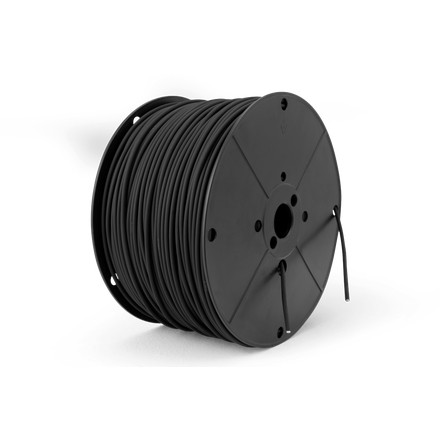
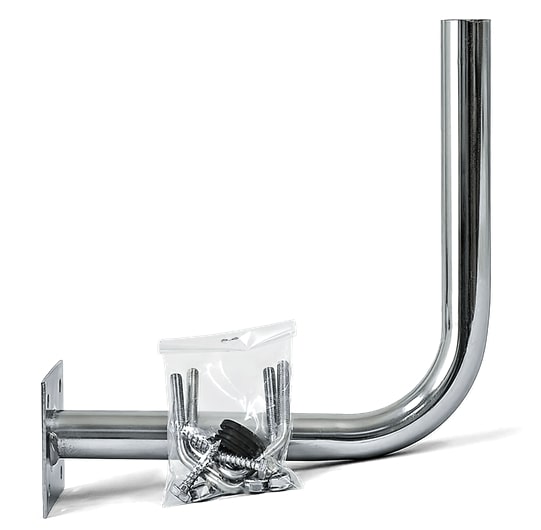
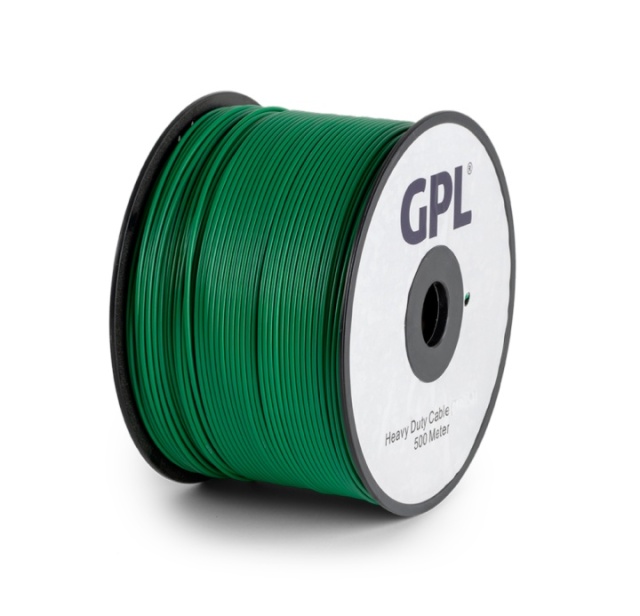
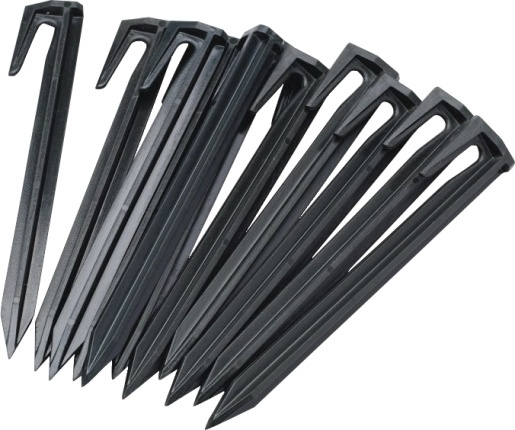
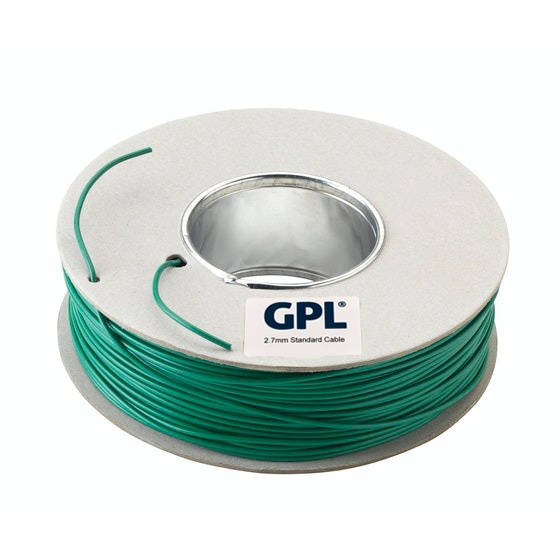
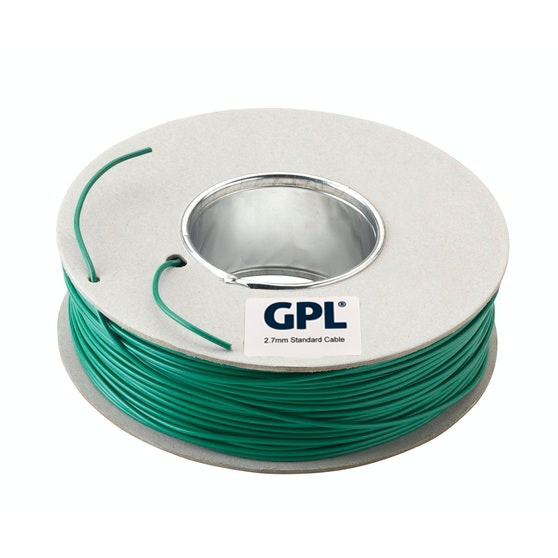
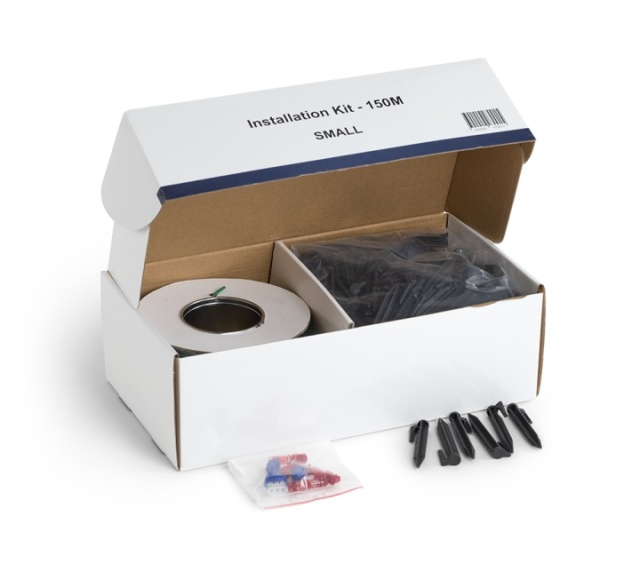
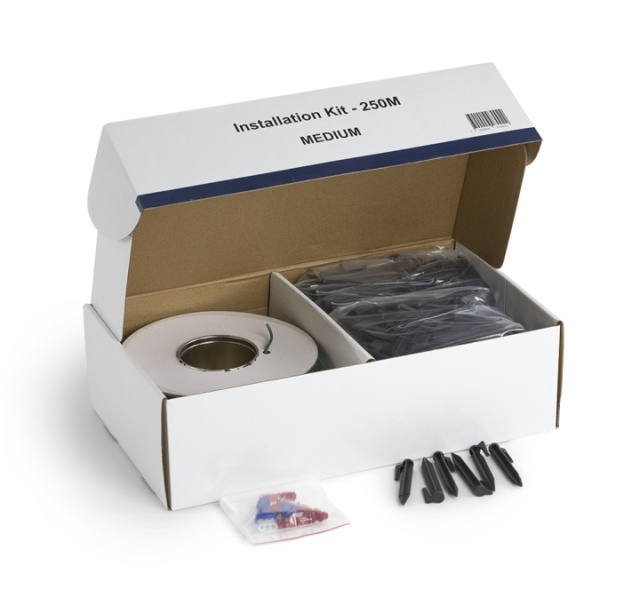
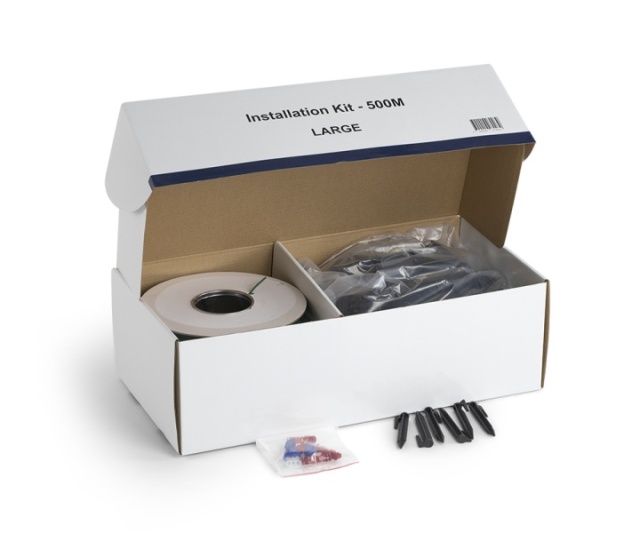
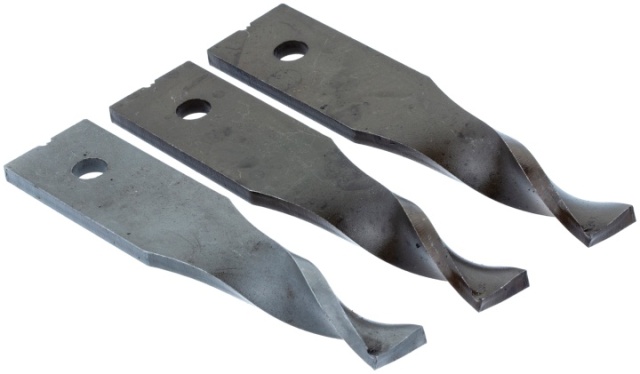
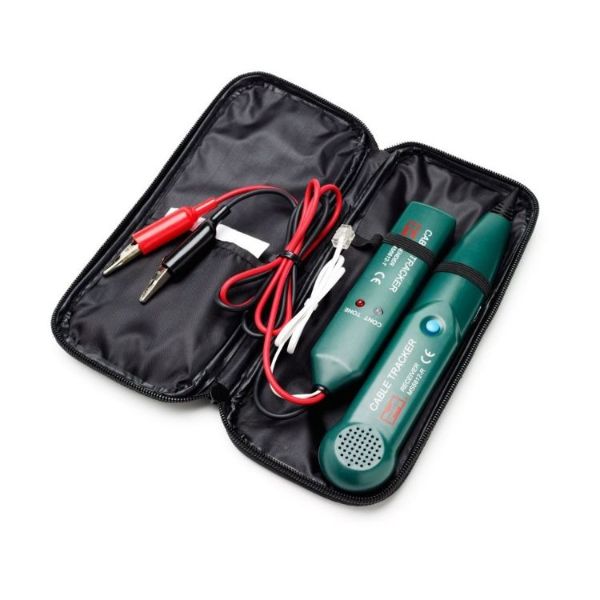
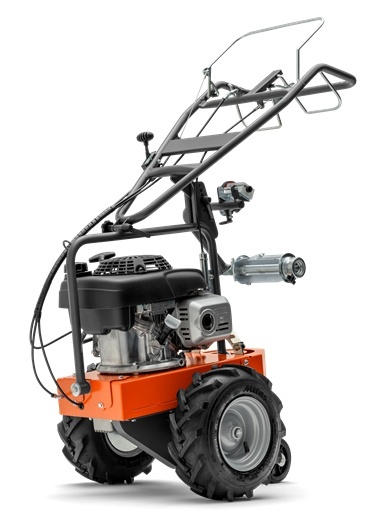
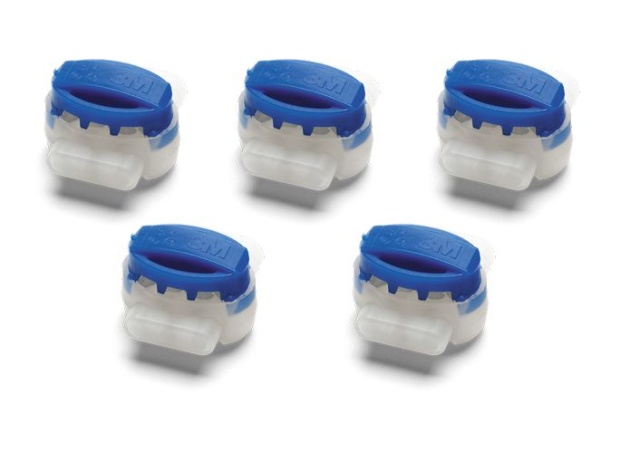
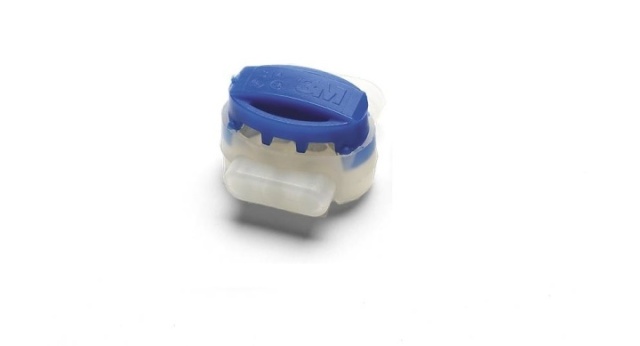
Plan a complete robotic lawn mower installation. Boundary-wire systems and wire-free EPOS or Vision installations require different equipment, so first identify the mower and installation method, then check every item included in the package.
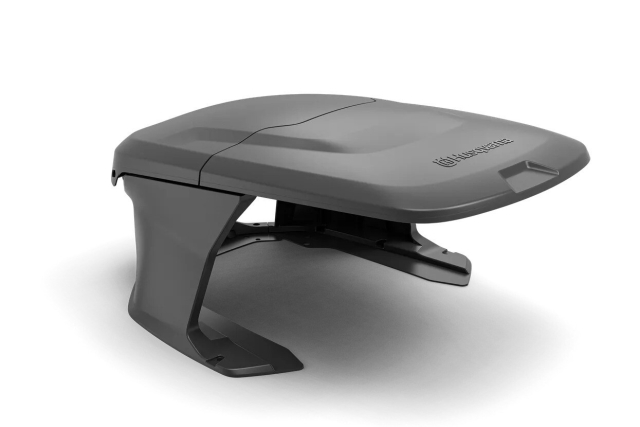
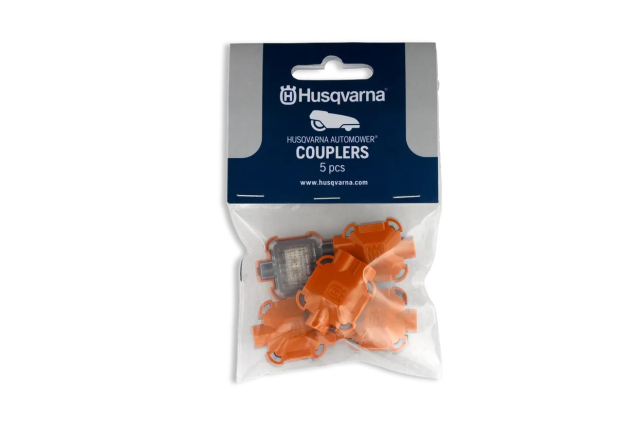
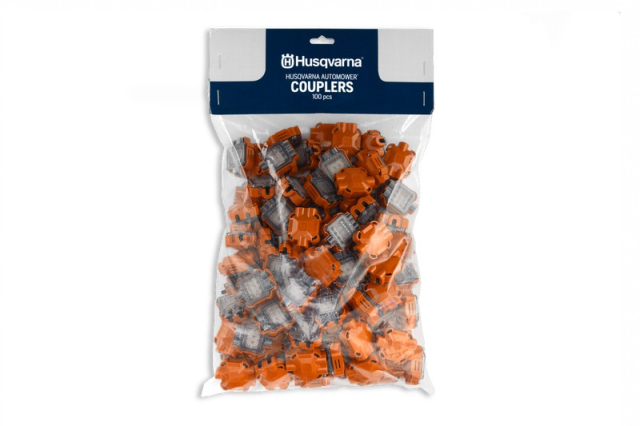
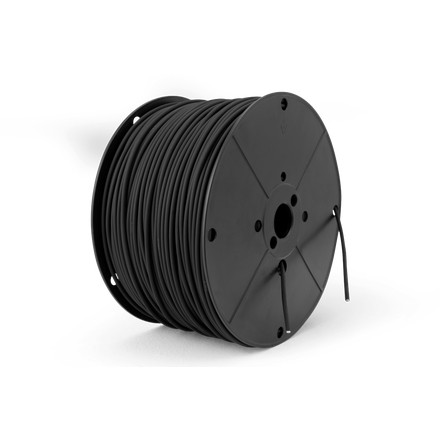
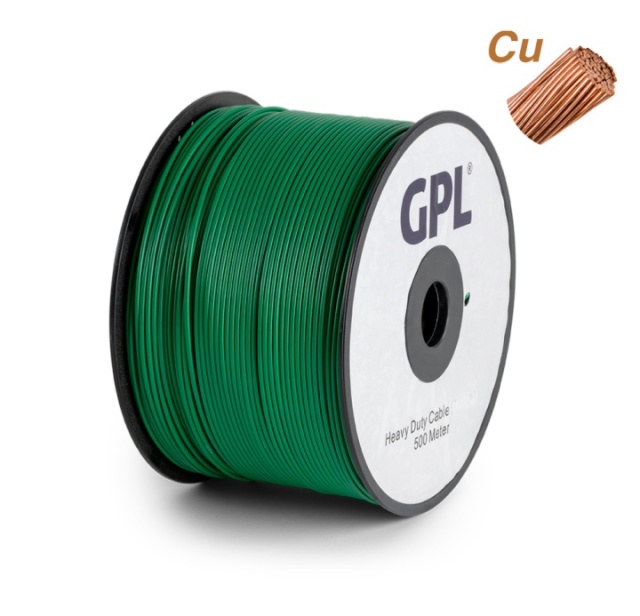
Check compatibility before ordering
Read the product compatibility list and compare the old part number where available. Do not use appearance alone as proof of fit, particularly across NERA, Vision and earlier cable-based generations.
Diagnose before replacing parts
Confirm the symptom, inspect associated components and use the mower display or app information where available. Replacing the first visible part can leave the underlying fault unresolved. If the work involves mains power, sealed electronics or software pairing, use a qualified service route.
Use the exact package contents
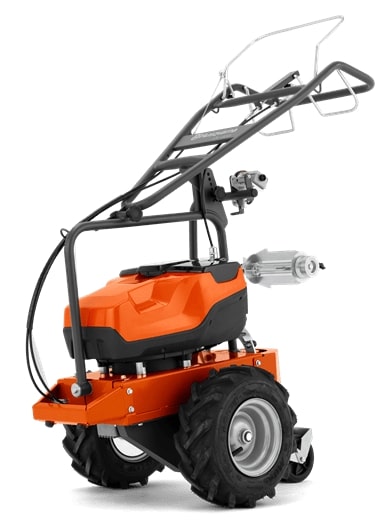
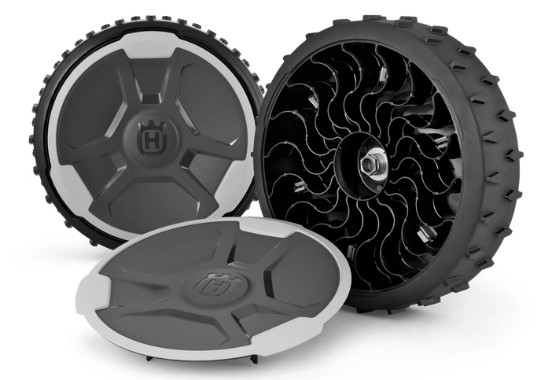
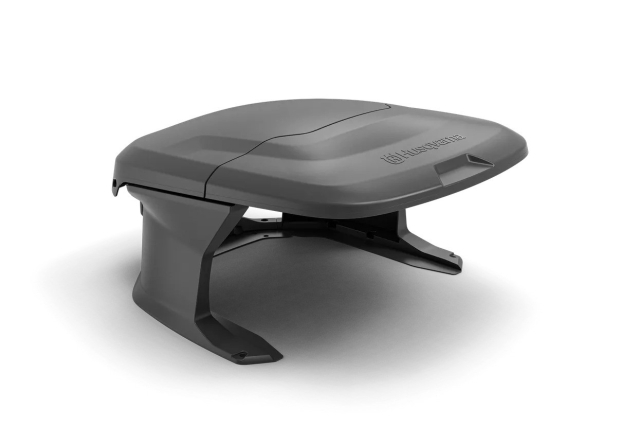
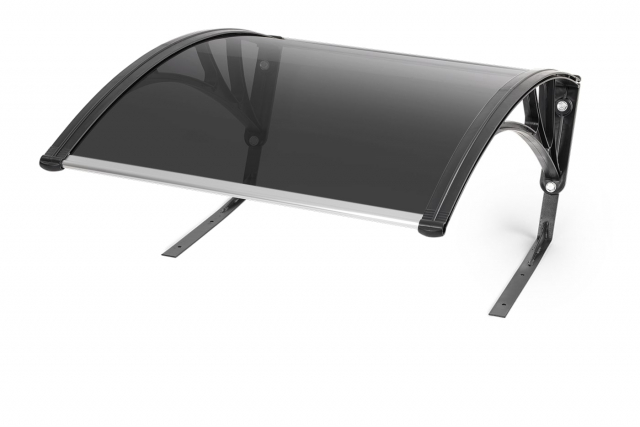
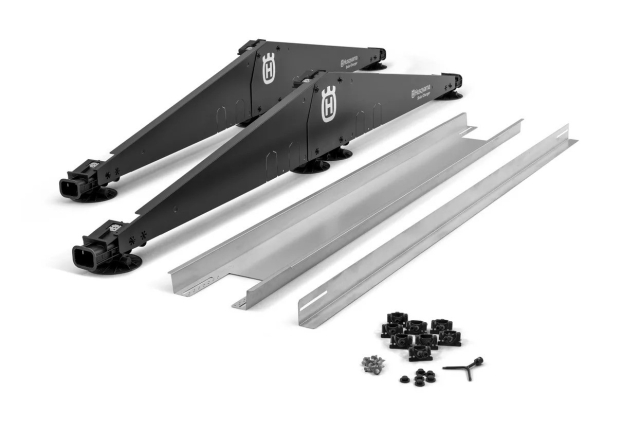
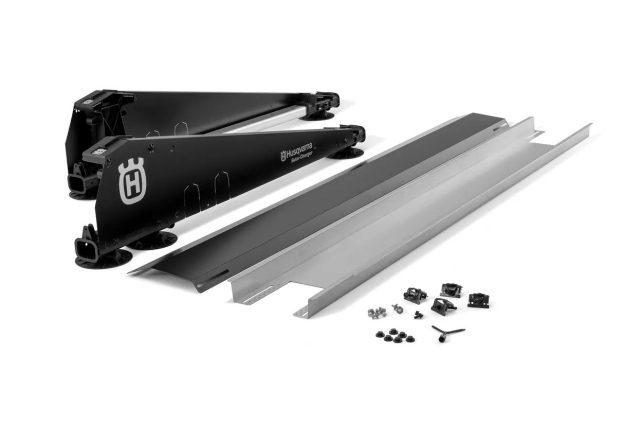
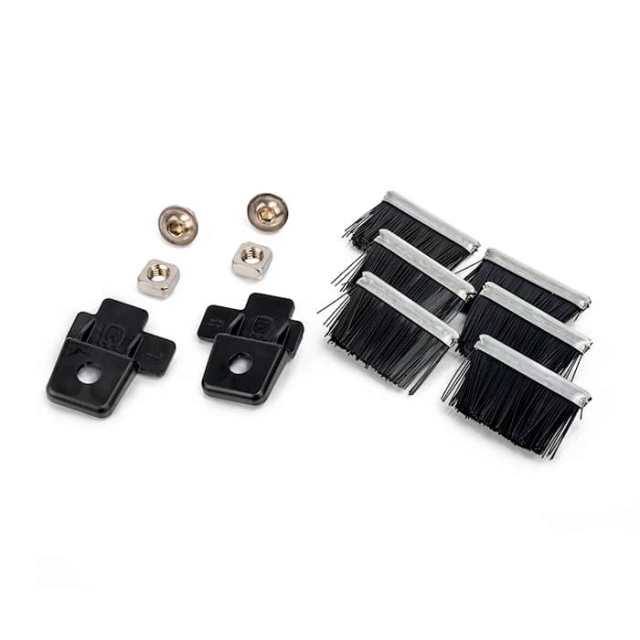
Product images can show related equipment that is not included. Check quantities, screws, seals, cables and installation tools in the listed delivery. Keep the old part until the replacement has been identified and tested.
Related categories
Useful next steps include Installation kit, Couplers and EPOS™ plug-in.